

Digital declutter 2026 is no longer optional. It’s essential for anyone struggling with lost productivity, stress, and the constant overload of files, photos, and notifications. The newest research reveals staggering stats—and simple steps you can follow to regain control.
Key Takeaways
- On average, workers lose over four hours weekly searching through digital clutter, leading to stress and lost productivity.
- App overload, notification fatigue, and overwhelming media libraries are the top pain points for digital declutterers in 2026.
- Actionable, realistic decluttering steps can reduce anxiety—results depend on consistency and understanding the pitfalls.
- What is Digital Declutter 2026 and Why Does It Matter?
- Digital Declutter 2026: Step-by-Step Guide
- Advanced Analysis and Common Pitfalls
- Conclusion
- FAQ
What is Digital Declutter 2026 and Why Does It Matter?
Digital declutter 2026 refers to intentionally reviewing and systematically cleaning your digital spaces—including files, emails, photos, apps, and notifications. Why now? Because digital mess has reached new highs: employees lose an average of 4.5 hours per week searching for information, with hybrid workers and Gen Z feeling it worst. This time loss equals nearly 29 workdays annually. More importantly, 62% feel real anxiety and stress from digital hoarding, which affects decision making, productivity, and even mental health. See the latest research.
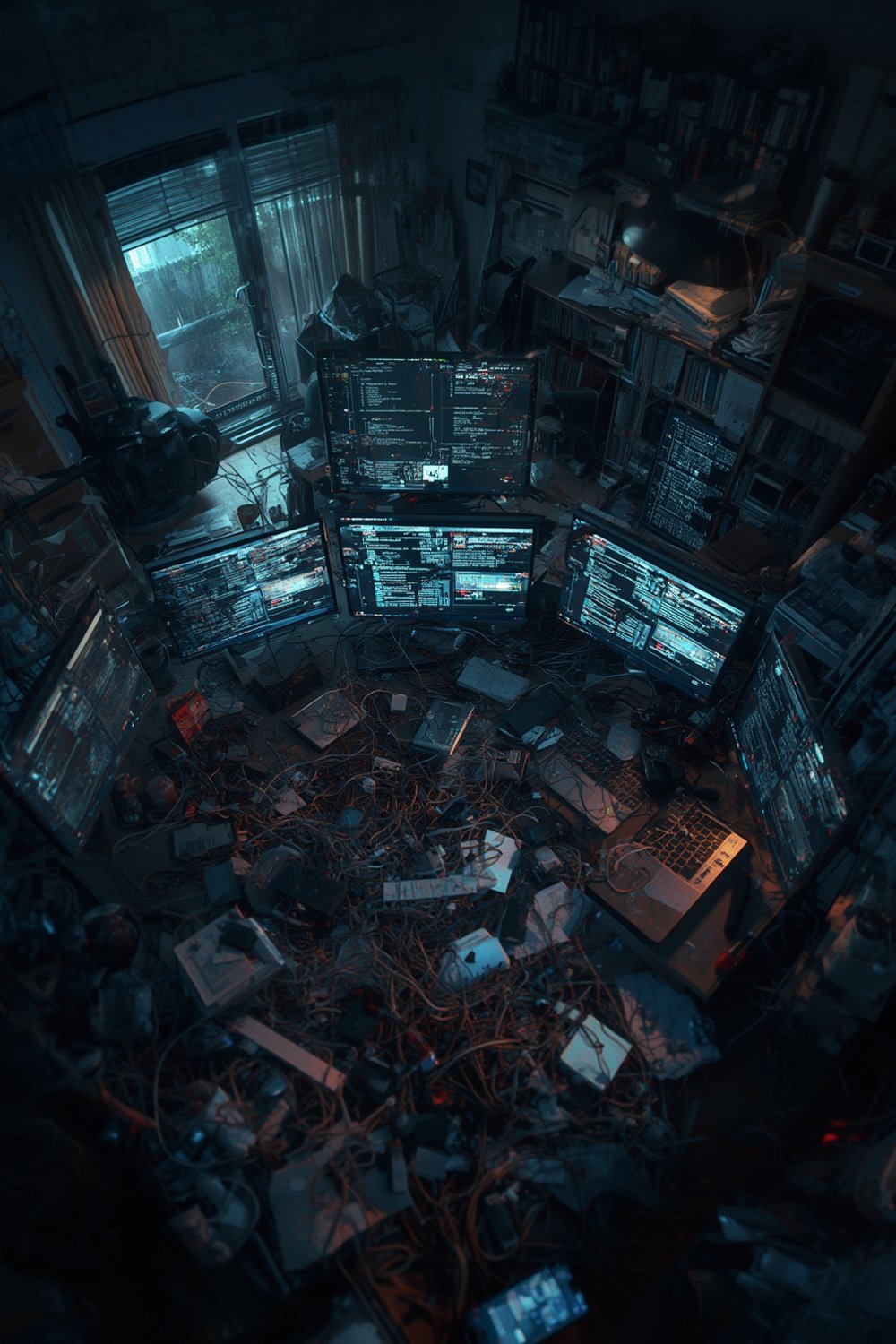
Unlike tidying your kitchen or closet (see airtight glass food storage jars for physical decluttering), digital declutter is invisible, accumulates faster, and silently slows your devices and mind. Overwhelm leads to missed deadlines, decreased performance, and endless procrastination—especially among younger professionals.
If you’re feeling stuck, know this: even a short, focused digital cleanup can yield immediate relief. However, successful decluttering in 2026 means going beyond deleting a few emails. You need a strategy rooted in current risks and realities.
Digital Declutter 2026: Step-by-Step Guide
Getting started doesn’t require fancy tools or costly subscriptions. What works is a realistic, targeted plan—tailored to your unique digital clutter pain points. Follow these steps for a meaningful refresh:
- Audit Your Digital Spaces: List major digital “zones”: email, photo galleries, cloud drives, desktop, browser bookmarks, and apps. Focus first on what stresses you most (overdue inbox, crowded home screen, etc.).
- Purge Unused Apps and Files: Remove apps you haven’t opened in months. For phone users, group surviving apps by type (work, social, finance) and hide rarely used ones in a single folder. Not sure how? Many find the 10-minute declutter challenge a win for quick progress, even with packed schedules.
- Inbox and Notification Detox: Unsubscribe from marketing lists, delete unneeded threads, and set up smart filters. Temporarily silence or limit notifications from low-priority apps—restore only what is truly essential. For more on conquering inbox overload, study the principles in the declutter hacks reviews guide, adapted for digital life.
- Photo and Media Cleanup: Sort photos by year or event, delete duplicates and blurry shots, and leverage auto-grouping functions built into most devices. Regularly transfer your best memories to external storage.
- Review and Maintain Monthly: Set a recurring monthly calendar reminder to revisit each digital area. Use digital wellbeing tools to track screen time and app usage, making cuts as needed.

If you struggle with digital “guilt clutter” (files, apps, or photos you keep out of obligation or sentiment), try the proven guilt clutter 2026 method to address emotional hurdles fast.
Remember: Digital cleanup isn’t a one-time sprint. For lasting results, think in habits: block time each month (or even each week), and accept that not every zone needs to be decluttered on the same day.
Advanced Analysis and Common Pitfalls
Even the best plans can stall. Here’s what current research reveals about the most frequent barriers to a successful digital declutter in 2026:
| Problem | Who Struggles Most | Practical Downsides | 2026 Data Insight |
|---|---|---|---|
| App Overload | All, especially hybrid workers | Device slows down, critical notifications missed, easy distraction | Unneeded apps remain installed for years, slowing phones and sapping focus [source] |
| Notification Fatigue | Gen Z, remote employees | Missed important messages, ongoing stress, sleep disruption | Up to 62% report stress tied to notification overload [source] |
| Inbox Overload | Finance, Gen Z, hybrid workers | Losing critical emails, project delays, procrastination, disengagement | Employees spend an average of 4.5 hours/week searching for email [source] |
| Photo Management | Parents, social media users | Finding memories becomes impossible, duplicates dominate gallery apps | Media overload cited as a growing source of digital mess [source] |
| Decision Fatigue | Everyone, especially those already stressed | Giving up, random deletion, clutter returns | Leads to project abandonment or quick relapses [source] |
Attempting “inbox zero” or trying to declutter your phone in one massive session typically leads to disappointment. Recent surveys found that half of all employees procrastinate on cleanups, with rates even higher (59%) for Gen Z. Moreover, most people underestimate how quickly digital files, spam subscriptions, and duplicate photos reappear if left unchecked.
Real-world users also report frustration with digital organization apps that are confusing or overly rigid. Choosing flexible, user-friendly solutions—or just using built-in OS features—tends to yield more consistent results.
Want to see how these same pitfalls show up in the physical world? The 3 simple steps to a tidy home approach adapts surprisingly well for digital mess, just as the chaos decluttering method does for extreme cases.

Conclusion
Digital declutter 2026 is about more than deleting apps or finding zero in your inbox. With fresh data showing the true cost to productivity and wellbeing, it’s clear that ongoing, proactive digital organization is a non-negotiable skill for modern life. Small, routine efforts produce measurable relief—while avoiding common traps ensures your progress lasts. Start today: block a few minutes, pick your most stressful digital zone, and watch how quickly clarity returns. Make digital declutter 2026 your foundation for a freer, more focused year.
Ready for a deeper home reset? Try trending strategies like the no buy year challenge or explore digital minimalism alongside AI as a personal home organizer.
FAQ
How long does a full digital declutter usually take?
Most people can tackle a major digital zone (email, photo library, apps) in one to two hours, but splitting into shorter, focused sessions is often more effective. Lasting results depend on monthly or weekly maintenance, not one-time marathons.
Is it safe to use auto-delete or “smart cleanup” tools?
Many built-in tools are safe, but always check what’s being deleted. Backing up critical documents and photos before using mass-delete options is wise. If in doubt, start with manual review before moving to automation.
What’s the biggest mistake people make when trying to reach inbox zero?
The most common error is treating inbox zero as a one-and-done event. Without better filters, regular unsubscribing, and new message rules, the inbox fills up again fast. Focus on habit changes, not just mass deletion.
Are there tools that can declutter my digital photos automatically?
Some device-native tools offer duplicate detection or photo grouping by event, but few third-party apps truly automate safe photo cleanup without risk. Manual review—often using your phone or cloud’s “Best Of” suggestions—avoids mistakes.
How do I keep from relapsing into digital clutter?
Set recurring monthly reminders, build declutter time into your calendar, and periodically review app usage and photo storage. Adopting minimalist digital habits—and using methods like those in the 10-minute declutter challenge—helps too.